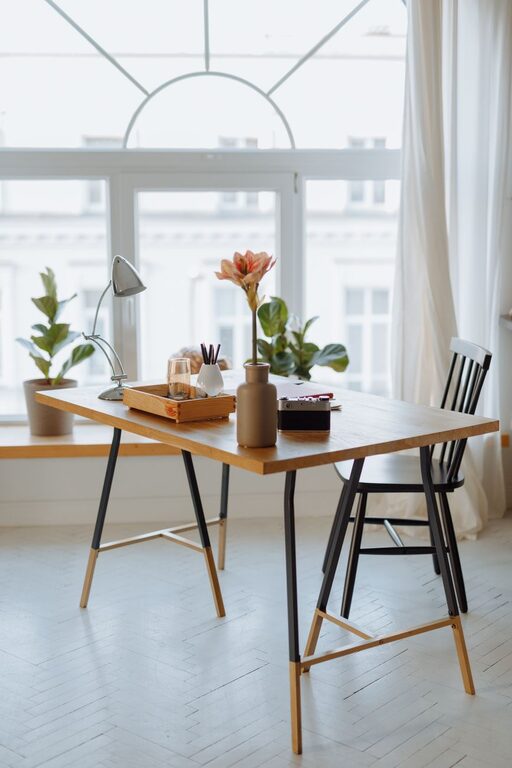
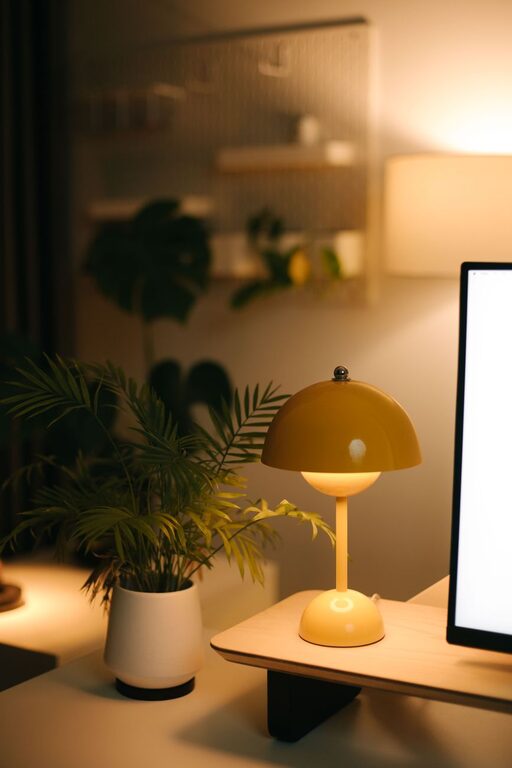
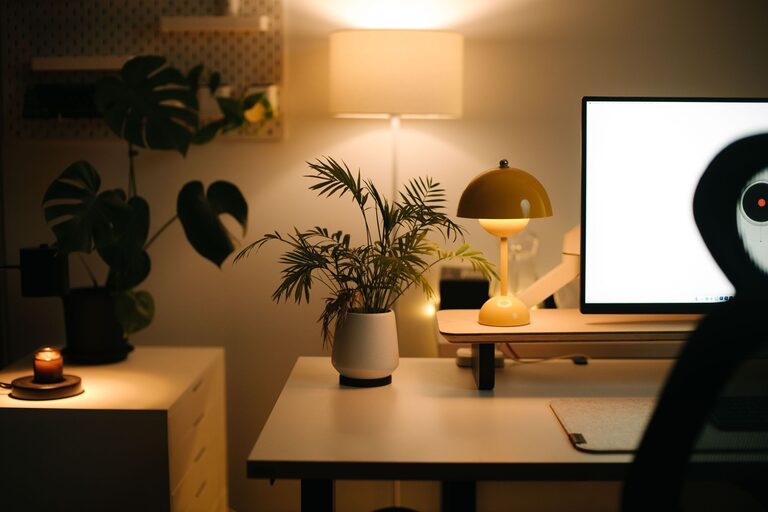
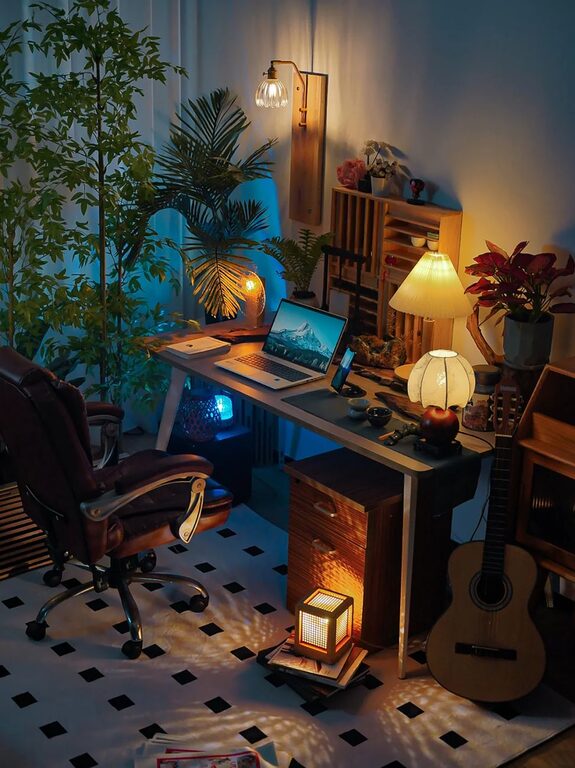
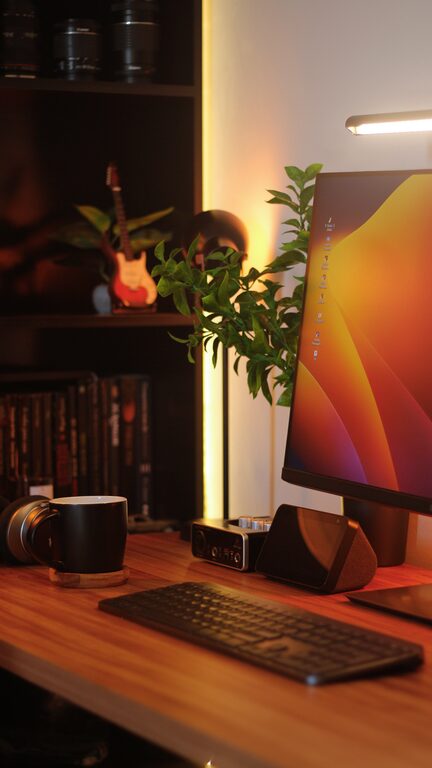
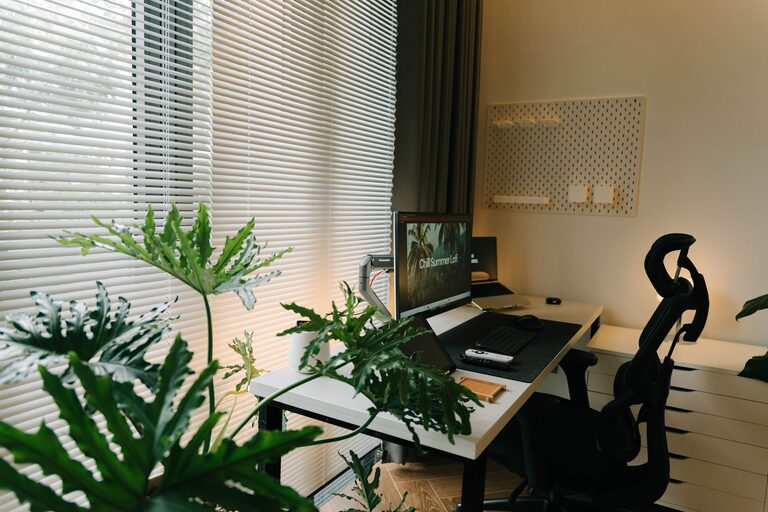
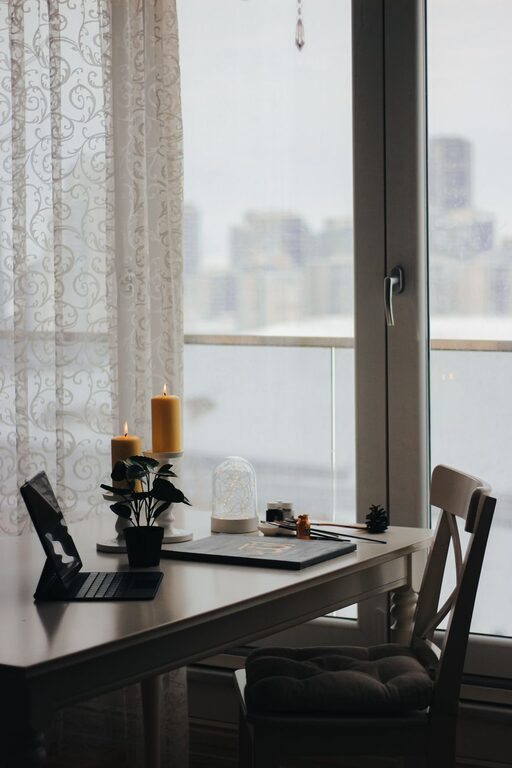
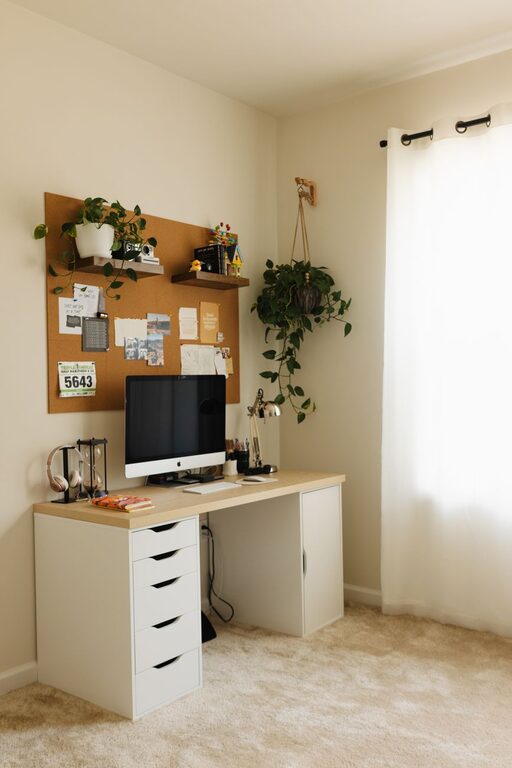
Creating a productive home office environment can make a significant difference in how you work and feel throughout the day. Whether you’re new to working from home or looking to improve your current setup, small changes can lead to big results. In this post, we’ll explore practical tips to help you design a workspace that encourages focus, comfort, and efficiency.
Designate a Dedicated Workspace
One of the most important steps to creating a productive home office is having a dedicated space for work. This helps your mind associate that area with focus and minimizes distractions.
Choose the Right Spot
– Pick a quiet corner or room away from high-traffic areas.
– Ensure good natural light if possible, which helps reduce eye strain and improve mood.
– Consider space for all your equipment and any organizational tools you need.
Keep It Separate
– Avoid working from the couch or bed to maintain mental boundaries.
– If space is limited, use a room divider or screens to separate your work area from living spaces.
Invest in Comfortable and Functional Furniture
Comfort plays a big role in maintaining productivity over long periods. Investing in quality furniture can prevent discomfort and physical strain.
Select an Ergonomic Chair
– Choose a chair with good lumbar support and adjustable height.
– Your feet should rest flat on the floor, and your knees should be at a right angle.
Use a Proper Desk
– A desk at the right height allows for comfortable typing and writing.
– Consider a standing desk or a convertible sit-stand desk to change your posture throughout the day.
Organize Your Workspace Efficiently
A cluttered desk can distract you and lower efficiency. Keeping your workspace organized supports better focus and quicker access to necessary items.
Declutter Regularly
– Keep only the essentials on your desk.
– Use drawers, shelves, or storage boxes to keep supplies neat.
Use Organizational Tools
– Desk organizers, cable management tools, and filing systems help maintain order.
– Digital organization, like labeling and categorizing files on your computer, can save time.
Optimize Lighting and Reduce Glare
Proper lighting improves comfort and helps reduce eye strain and fatigue.
Maximize Natural Light
– Position your desk near a window to benefit from daylight.
– Use sheer curtains to diffuse harsh sunlight.
Add Task Lighting
– Use adjustable desk lamps focused on your work area.
– Choose bulbs that mimic natural daylight for better color accuracy.
Manage Screen Glare
– Position your monitor perpendicular to windows.
– Use screen filters or anti-glare coatings if needed.
Minimize Distractions
Distractions can interrupt your workflow and lower productivity. Setting boundaries can help you stay focused.
Set Clear Work Hours
– Define consistent work hours and communicate them with family or roommates.
– Use a signal, like closing a door or a “do not disturb” sign, to indicate when you shouldn’t be interrupted.
Limit Digital Interruptions
– Turn off non-essential notifications on your computer and phone.
– Use apps or tools that block distracting websites during work time.
Personalize Your Space to Stay Motivated
Adding personal touches can make your workspace inviting and motivating.
Add Plants
– Indoor plants improve air quality and create a calming atmosphere.
– Choose low-maintenance varieties like succulents or pothos.
Use Inspiring Decor
– Hang artwork or photos that make you feel positive.
– Keep a vision board or a calendar with your goals in sight.
Take Regular Breaks and Move Often
Long periods of sitting can affect both physical and mental health. Incorporate movement into your day.
Follow the 20-20-20 Rule
– Every 20 minutes, look at something 20 feet away for 20 seconds to reduce eye strain.
Stand Up and Stretch
– Set reminders to stand, stretch, or walk every hour.
– Use movement breaks to refresh your mind and body.
Maintain Proper Technology Setup
Reliable technology helps avoid frustration and downtime.
Invest in Quality Equipment
– Use a fast and stable internet connection.
– Select a monitor with good resolution and size for comfortable viewing.
Keep Your Devices Organized
– Ensure cables are tidy and easy to access.
– Back up your work regularly and use password protection.
Create a Routine That Supports Productivity
Having a daily routine helps maintain focus and create work habits.
Start Your Day with a Plan
– Write down your tasks and priorities before you begin.
– Use time-blocking to allocate periods for specific activities.
End Your Day Wisely
– Tidy your workspace at the end of each day.
– Reflect on accomplishments and prepare for the next day.
—
By thoughtfully designing your home office environment, you set yourself up for more productive, comfortable, and balanced workdays. Implementing even a few of these tips can make a meaningful difference in how you approach work from home.