
Creating a cozy and productive home office space can make a big difference in your workday. Whether you are working remotely full-time, freelancing, or just need a quiet spot for occasional tasks, having a dedicated area that blends comfort with functionality is key. Here are some helpful tips to design a home office that inspires focus and keeps you comfortable throughout your work hours.
Choose the Right Location
Find a Quiet Spot
Select a space in your home that’s quiet and away from high-traffic areas. This helps minimize distractions and creates a dedicated work zone in your mind.
Consider Natural Light
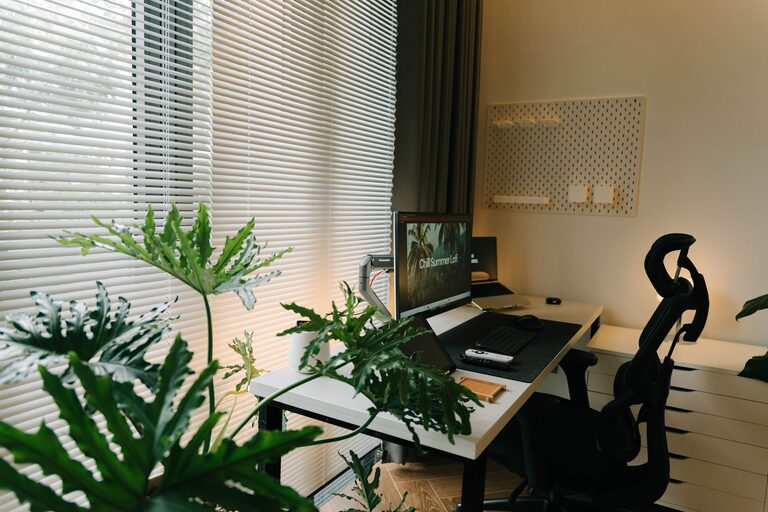
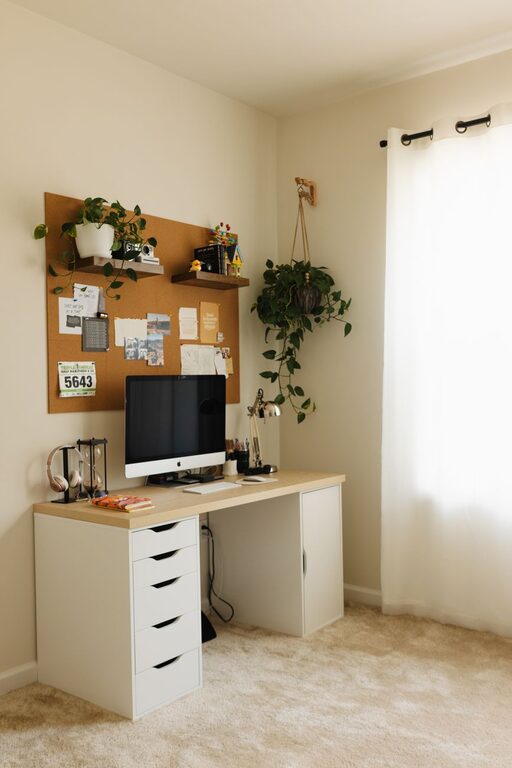
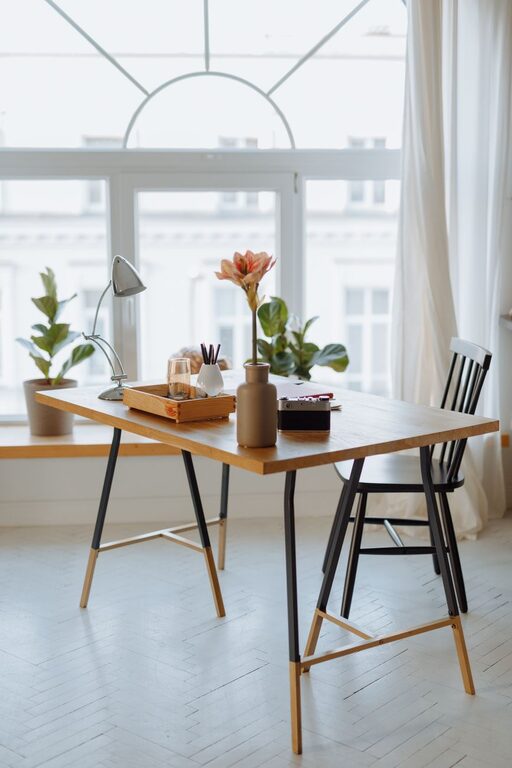
Try to place your desk near a window if possible. Natural light can lift your mood and reduce eye strain. If natural light is limited, invest in good quality lighting that mimics daylight.
Invest in Comfortable Furniture
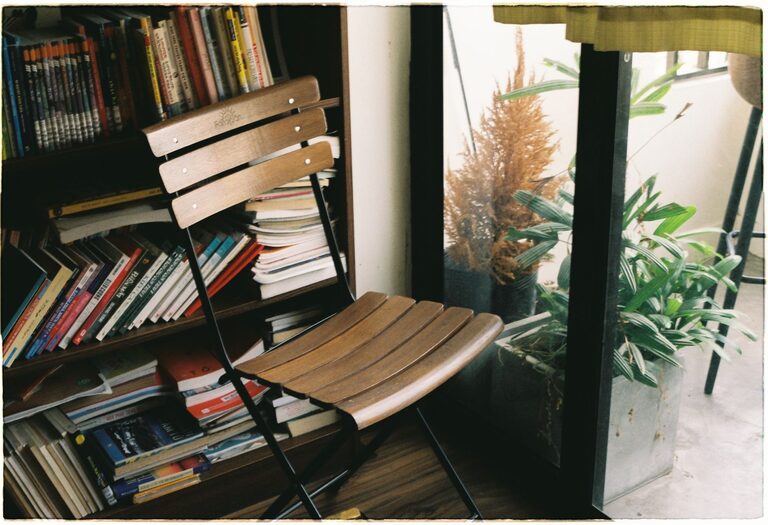
Ergonomic Chair and Desk
An ergonomic chair that supports your back and an adjustable desk at the right height are essential. Comfort prevents fatigue and promotes better posture, which can boost your productivity.
Desk Size and Setup
Choose a desk that fits your work style. If you need multiple monitors or lots of papers, a larger desk might be helpful. Keep essential items within easy reach to avoid interruptions.
Organize Your Space Efficiently
Declutter Regularly
A clutter-free workspace helps keep your mind focused. Use trays, file organizers, or drawers to store supplies neatly.
Use Vertical Storage
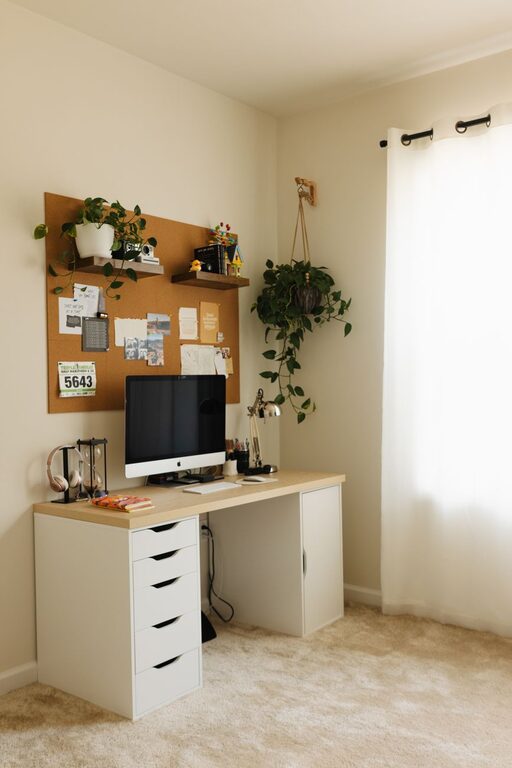
Shelves or wall organizers free up desk space and keep useful items visible and accessible. This also adds dimension and interest to your office space.
Cable Management
Tidy cables with clips or sleeves to prevent tangling and maintain a clean look.
Personalize Your Workspace
Add Cozy Touches
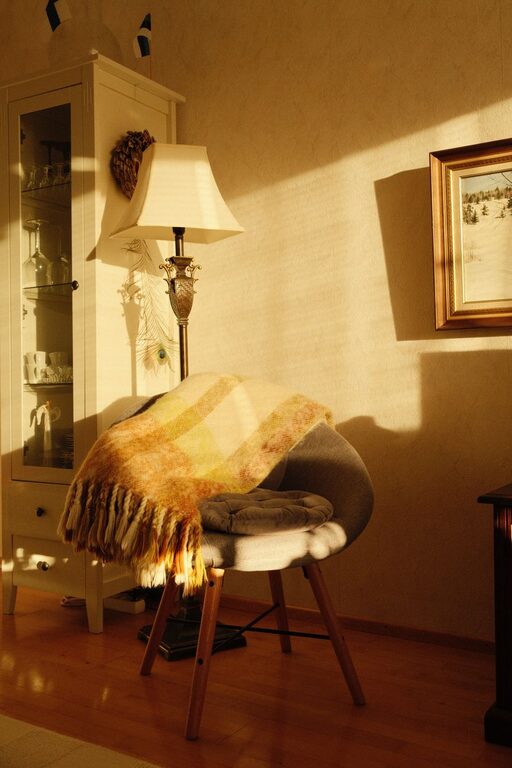
Incorporate items that make you feel comfortable, like a soft throw blanket, cushions, or a small rug. These touches can make your office feel welcoming instead of sterile.
Include Plants
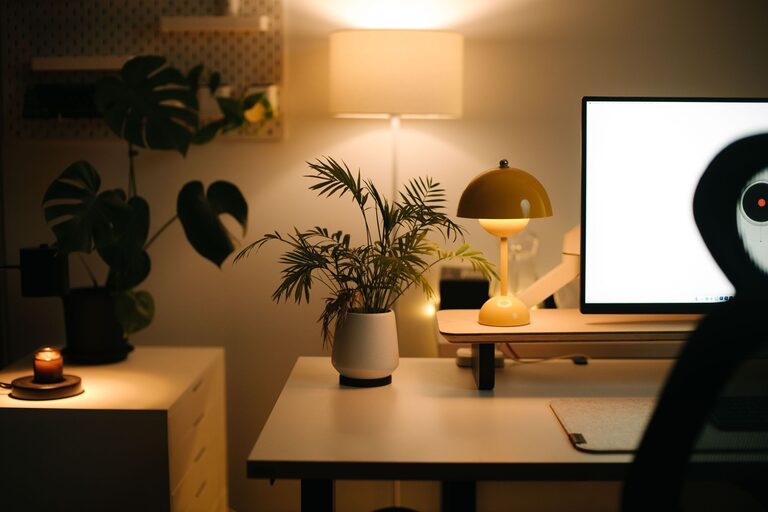
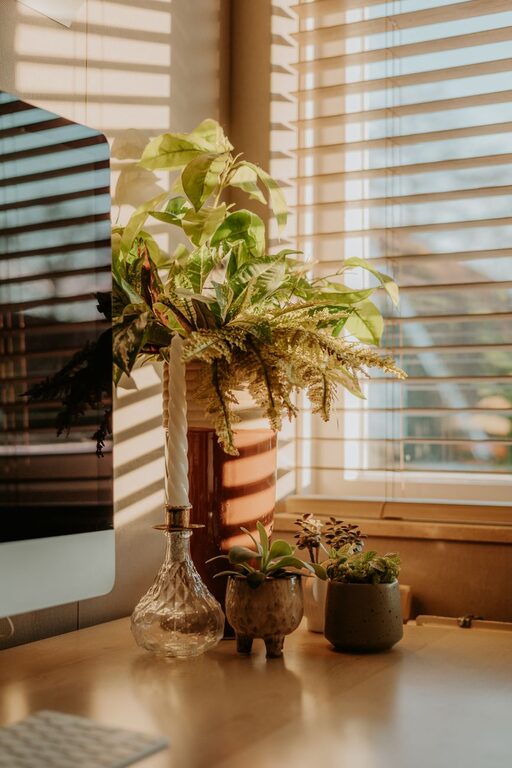
Adding green plants can improve air quality and bring a calming effect to your workspace.
Artwork and Inspiration
Hang artwork, motivational quotes, or photos that inspire you. Visual stimulation can spark creativity and keep your spirits up.
Optimize Lighting and Technology
Proper Lighting
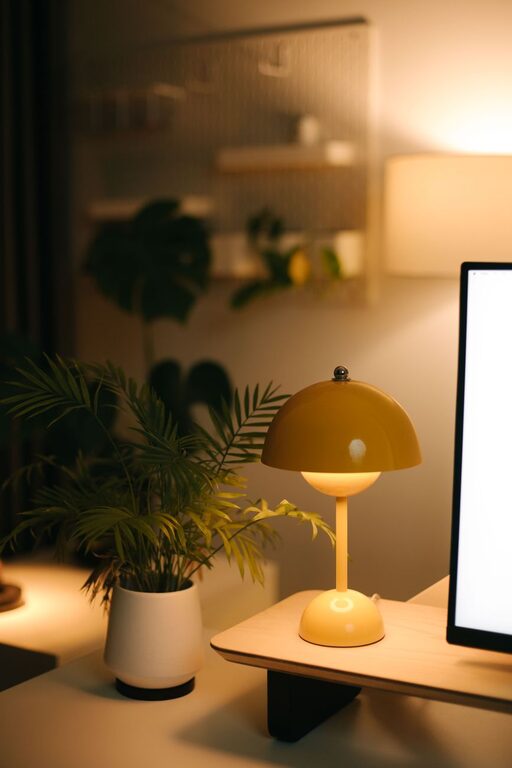
Use a combination of ambient lighting and task lighting. A desk lamp with adjustable brightness allows you to control the light on your work area without straining your eyes.
Technology Setup
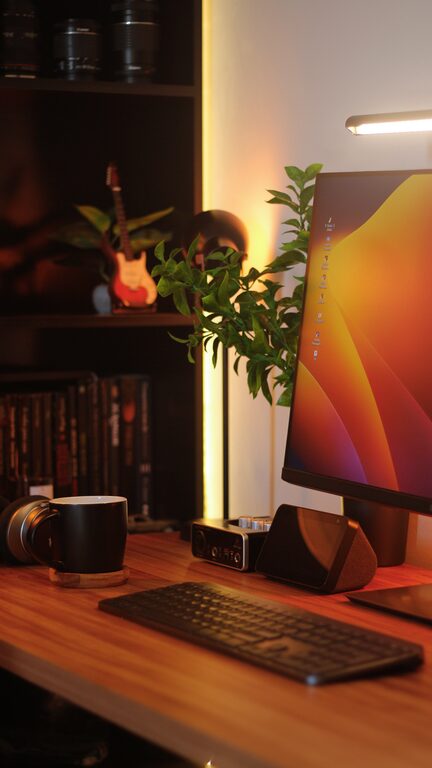
Ensure your computer, printer, and other devices are updated and functioning well. Invest in a good-quality headset for virtual meetings to improve sound clarity.
Create a Routine and Boundaries
Define Work Hours
Setting clear start and end times helps separate work from personal life when working from home.
Use Signals
If you share your home, use signs or cues to indicate when you are working and prefer not to be disturbed.
Take Breaks
Set reminders to stand up, stretch, or step outside briefly. Regular breaks keep your mind fresh and prevent burnout.
Incorporate Storage Solutions
Multi-Functional Furniture
Consider desks or shelves with built-in storage compartments to keep supplies hidden but accessible.
Use Labels
Label boxes and drawers to find items quickly and maintain organization over time.
Consider Sound Control
Reduce Noise Distractions
Use rugs, curtains, or acoustic panels to absorb sound. Noise-canceling headphones can also be a great investment if you are in a noisy environment.
Conclusion
Designing a home office that is both cozy and productive doesn’t require a major renovation. By focusing on location, comfort, organization, personalization, and boundaries, you can create a space that supports your work while keeping you comfortable and motivated. Small thoughtful changes can have a big impact on your daily productivity and well-being.
—
By applying these tips, your home office can become a favorite spot that helps you enjoy work and achieve your goals efficiently. Happy decorating!