
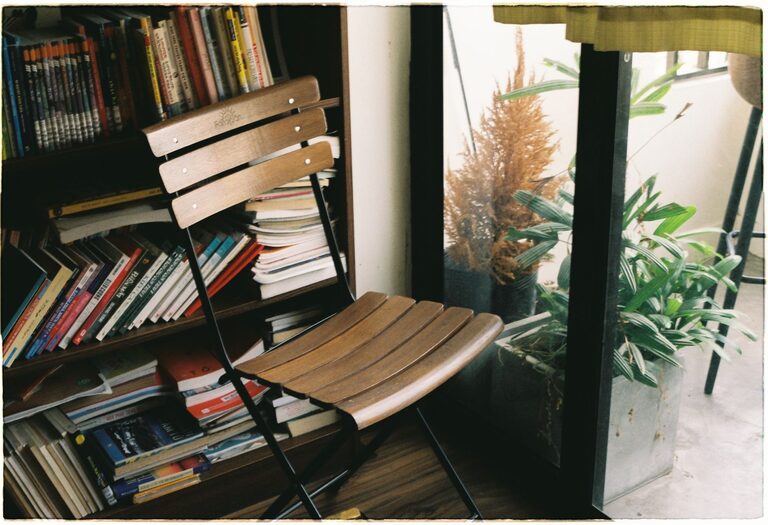
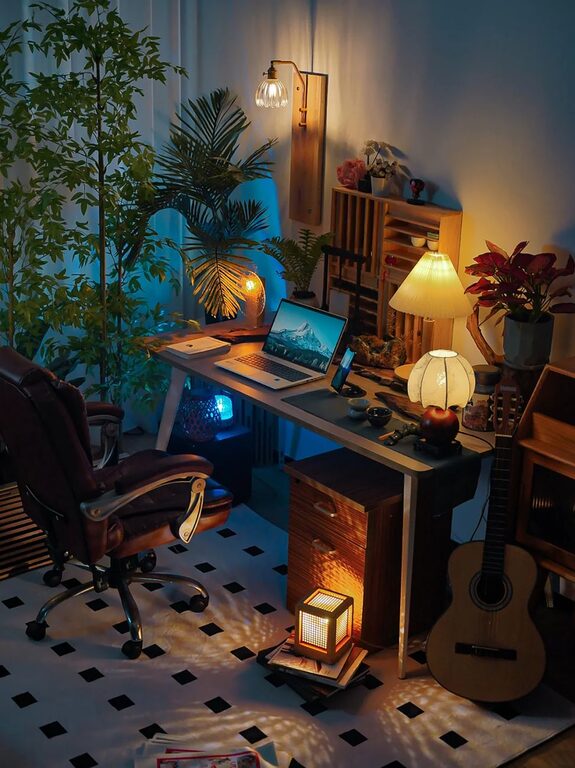
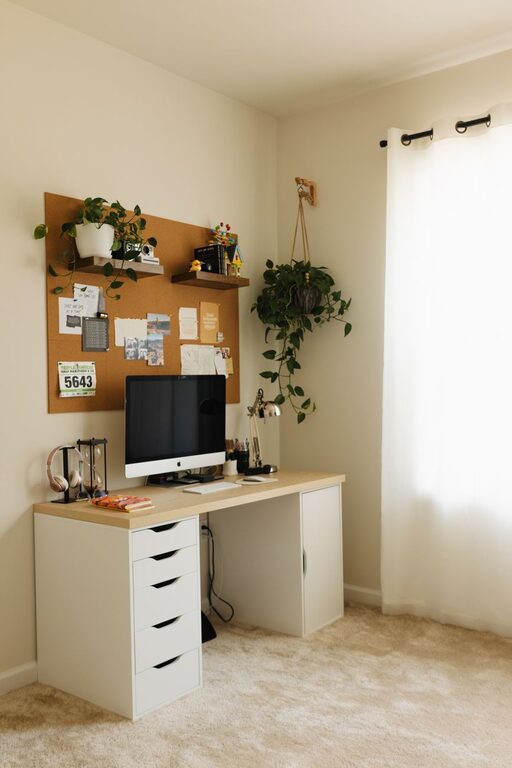
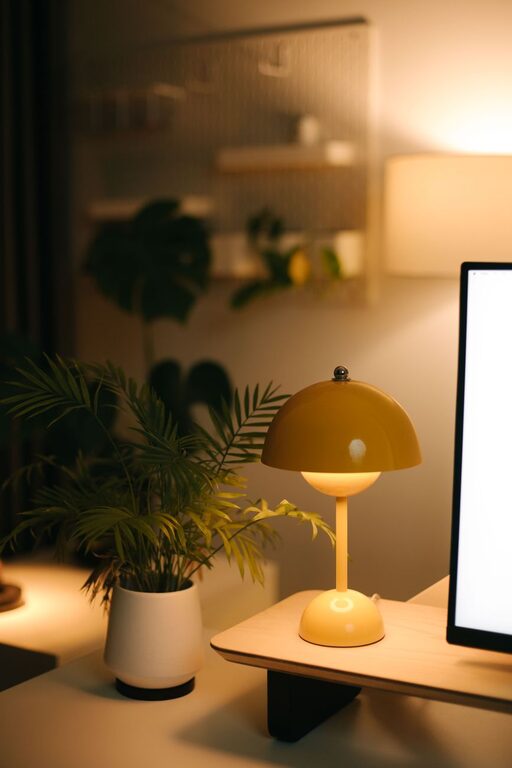
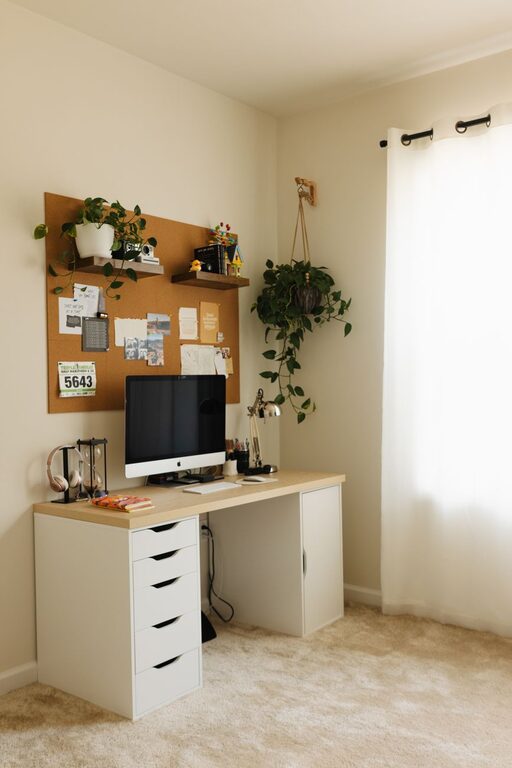
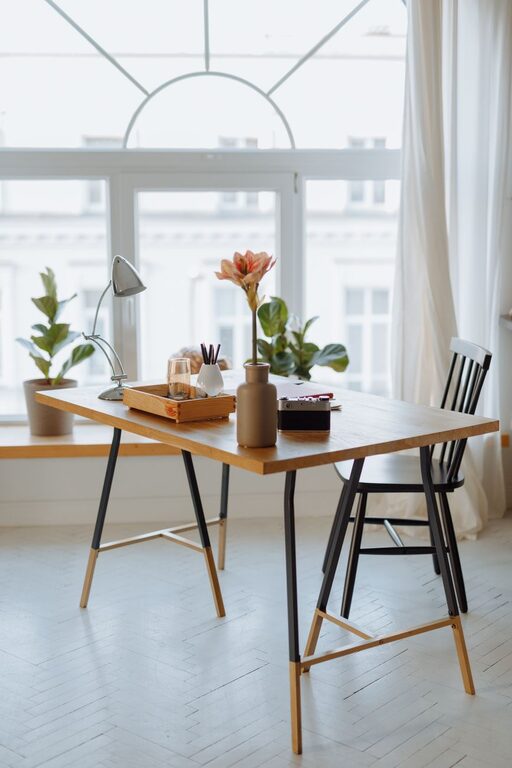


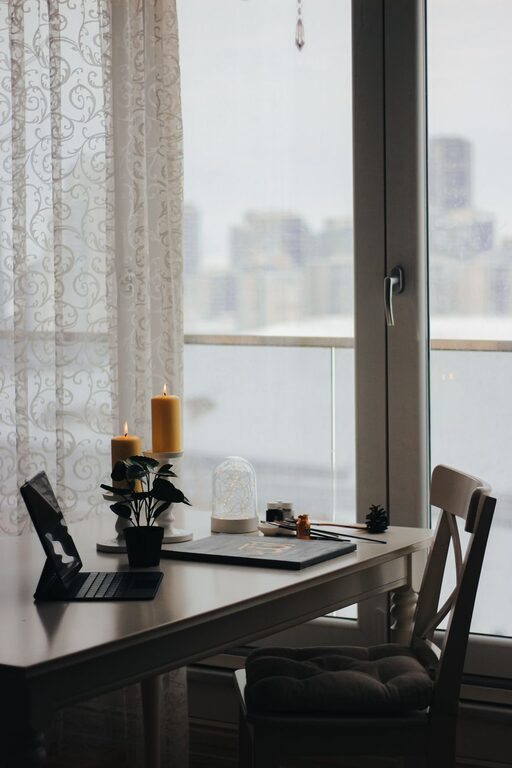
Creating a relaxing home workspace is essential for maintaining productivity and well-being while working remotely or managing tasks at home. A calming environment helps reduce stress, encourage focus, and make your workday more enjoyable. Whether you have a small nook or a dedicated room, these practical tips will help you design a workspace that promotes comfort and relaxation.
Choose the Right Location
The first step in setting up a relaxing workspace is choosing the right spot. Ideally, pick a quiet area with minimal distractions where you can focus on your tasks. If possible, select a space with natural light, as sunlight can improve mood and energy levels.
Tips for Location Selection:
– Avoid high-traffic areas where noise and interruptions are frequent.
– Near a window is best for fresh air and daylight.
– If space is limited, consider a fold-away desk or a designated corner.
Invest in Comfortable Furniture
Comfortable furniture is key to maintaining good posture and preventing discomfort throughout the workday.
Essential Furniture Items:
– Ergonomic chair: Supports your back and encourages proper seating position.
– Adjustable desk: Allows switching between sitting and standing.
– Spacious desk surface: Provides room for your computer, notes, and any other tools.
Look for furniture that fits your space but doesn’t compromise on comfort and support.
Keep Your Space Organized
Clutter can increase stress and reduce productivity. Keeping your workspace tidy helps clear your mind and creates a calming atmosphere.
Organization Tips:
– Use drawers or baskets for storing supplies.
– Keep frequently used items within arm’s reach.
– Regularly declutter your desk to remove unnecessary items.
– Use cable organizers to keep wires neat.
Add Personal Touches
A workspace that feels inviting encourages you to spend time there and can improve your mood.
Ideas for Personalization:
– Add plants, which bring a touch of nature and help purify the air.
– Use artwork or photos that inspire and relax you.
– Choose calming colors such as soft blues, greens, or neutrals.
– Incorporate a cozy rug or cushions for added warmth.
Optimize Lighting
Proper lighting minimizes eye strain and boosts concentration.
Lighting Tips:
– Maximize natural light whenever possible.
– Use adjustable desk lamps with warm light.
– Avoid harsh overhead lighting or direct glare on screens.
– Consider smart lighting options to adjust brightness throughout the day.
Control Noise Levels
Noise can be distracting and stressful. Taking steps to reduce or manage noise supports a relaxing workspace.
Noise Management Strategies:
– Use noise-canceling headphones or play soft background music.
– Place rugs, curtains, or acoustic panels to absorb sound.
– Close doors or windows to block external noise.
Incorporate Relaxation Breaks
Taking regular breaks is vital for maintaining focus and reducing tension.
Break Ideas:
– Practice simple stretches at your desk.
– Step outside for fresh air and a short walk.
– Try breathing exercises or mindfulness meditation.
– Set timers to remind yourself to take breaks frequently.
Maintain Good Air Quality
Fresh air improves comfort and health.
Tips to Improve Air Quality:
– Open windows when weather permits.
– Use air purifiers if necessary.
– Keep plants that naturally filter indoor air, such as snake plants or peace lilies.
Set Boundaries and Create Routine
A relaxing workspace also depends on clear boundaries to separate work from personal life.
Establishing Boundaries:
– Set consistent working hours.
– Communicate your schedule with family or roommates.
– Avoid working in areas reserved for relaxation, such as your bed or couch.
—
Creating a relaxing home workspace takes some effort, but the benefits to your productivity and well-being are well worth it. By choosing the right location, investing in comfortable furniture, organizing effectively, and adding personal touches, you can transform your workspace into a peaceful and enjoyable place to work. Remember to prioritize lighting, noise control, and air quality, and don’t forget to take regular breaks. With these tips, you’ll build a home office environment that supports your best work every day.