
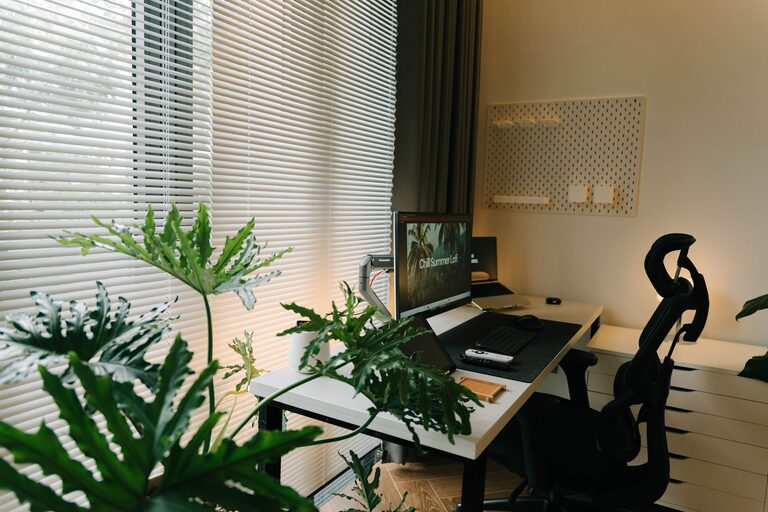
Creating a productive home office environment is key to maintaining focus and efficiency while working from home. Whether you’re new to remote work or have been at it for a while, setting up a dedicated workspace that supports your workflow can make a huge difference. This article offers practical tips and ideas to help you design a home office that encourages productivity and comfort.
Why a Dedicated Home Office Space Matters
Having a specific place for work helps your mind distinguish between professional tasks and home life. It reduces distractions and signals to your brain that it’s time to focus. A well-organized home office can improve concentration, reduce stress, and increase motivation.
Choosing the Right Space
Find a Quiet Spot
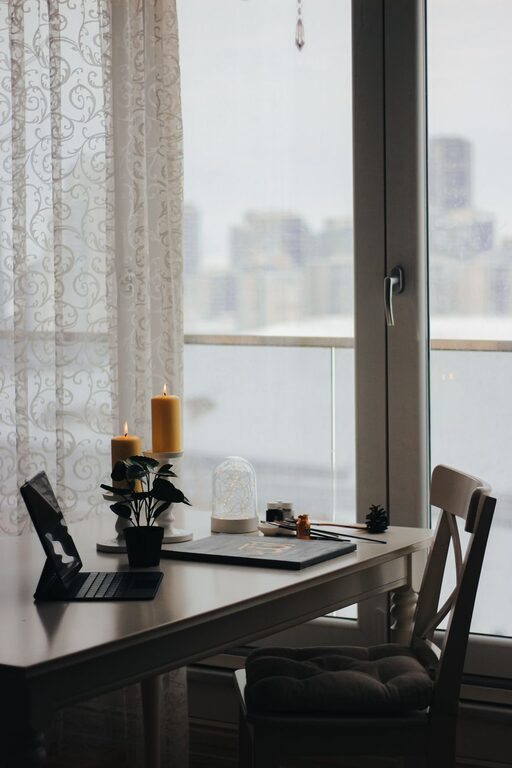
Look for a part of your home that is quiet and away from heavy foot traffic. This might be a spare room, a corner in your living room, or even a nook near a window. The goal is to minimize interruptions.
Consider Natural Light
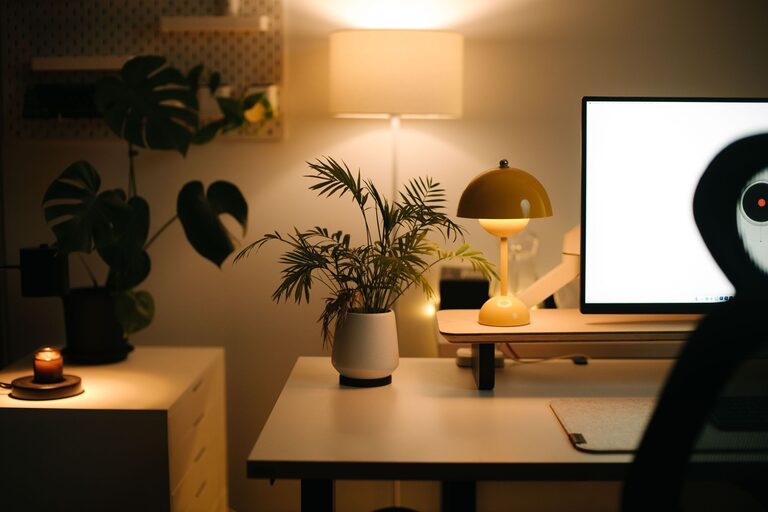
Natural light can boost mood and energy. Position your desk near a window if possible, but avoid glare on your computer screen. If natural light is limited, invest in good quality artificial lighting.
Ergonomic Furniture and Equipment
Invest in a Comfortable Chair
An ergonomic office chair supports your back and helps maintain good posture. Since you’ll spend hours sitting, comfort and support are critical.
Desk Setup
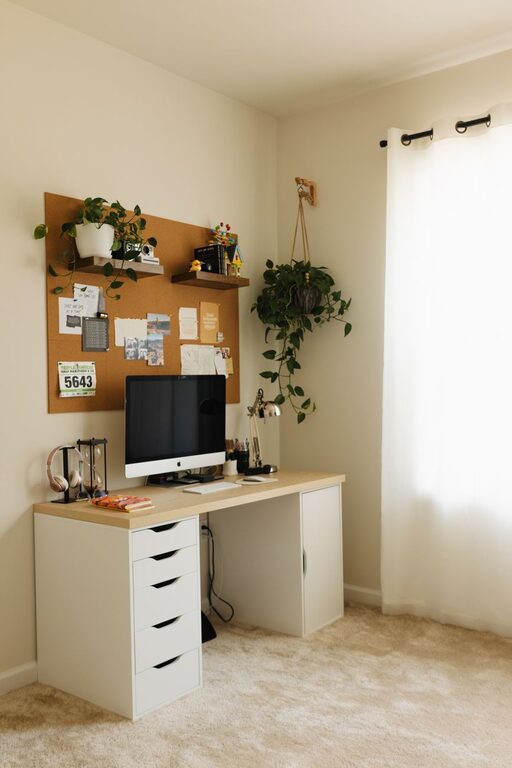
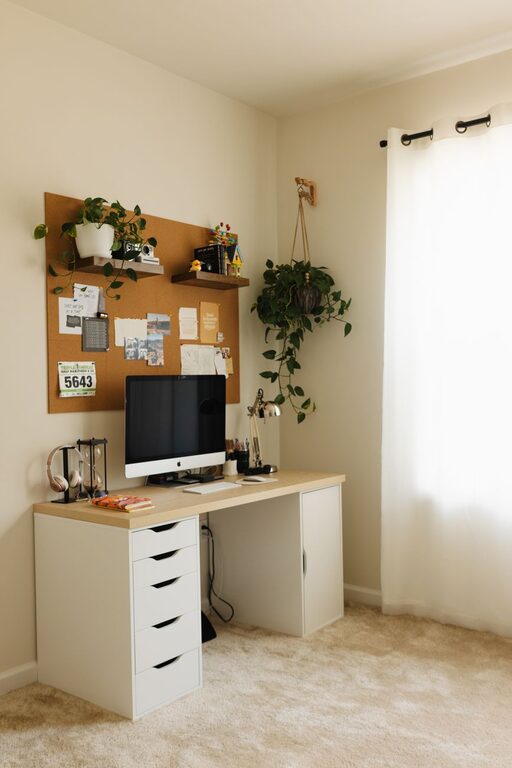
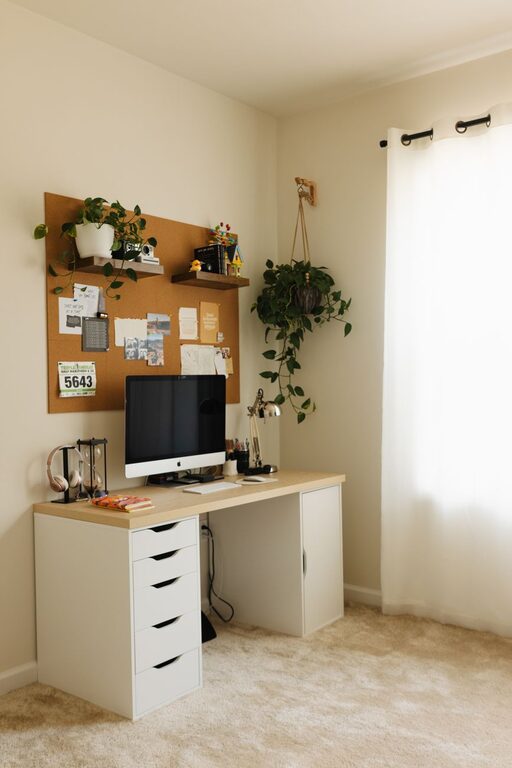
Choose a desk that fits your workspace and allows you to keep your computer, paperwork, and other essentials organized. Adjustable desks that can convert from sitting to standing positions are a great option for flexibility.
Monitor Position
Place your monitor at eye level to prevent neck strain. Use a monitor stand or a stack of books if needed.
Organizing Your Workspace
Declutter Regularly
A clear workspace promotes a clear mind. Remove non-essential items and keep only what you need close at hand.
Use Storage Solutions
Shelves, filing cabinets, and drawer organizers help keep documents and tools tidy. Labeling folders and containers can make it easier to locate items.
Cable Management
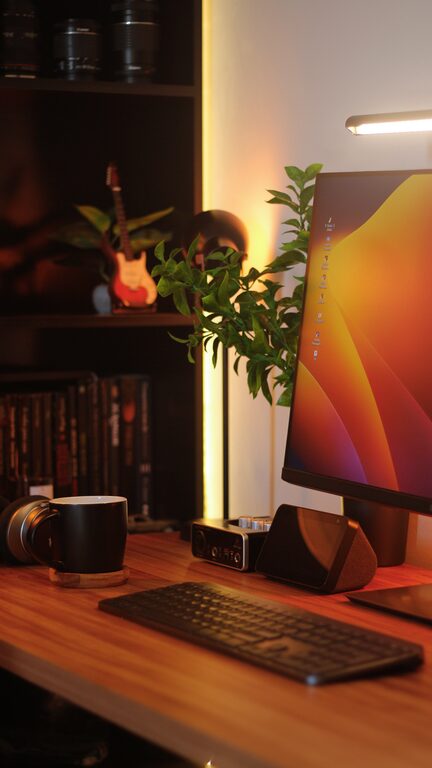
Tidy cables reduce visual clutter and prevent accidents. Use cable ties, clips, or a cable management box to keep cords organized.
Establishing a Routine
Set Regular Work Hours
Defining your working hours helps create boundaries between work and personal time. Stick to a schedule as closely as possible.
Take Scheduled Breaks
Short breaks improve focus and prevent burnout. Try methods like the Pomodoro Technique—25 minutes of focused work followed by a 5-minute break.
Use Planning Tools
Calendars, to-do lists, and task management apps keep you organized and on track.
Minimizing Distractions
Limit Noise
If external noise is a problem, consider noise-canceling headphones or white noise machines.
Manage Digital Interruptions
Turn off non-essential notifications during work hours and set designated times to check email and social media.
Enhancing Comfort and Personalization
Control Temperature and Ventilation
Ensure your workspace is well-ventilated and at a comfortable temperature to maintain focus.
Personal Touches
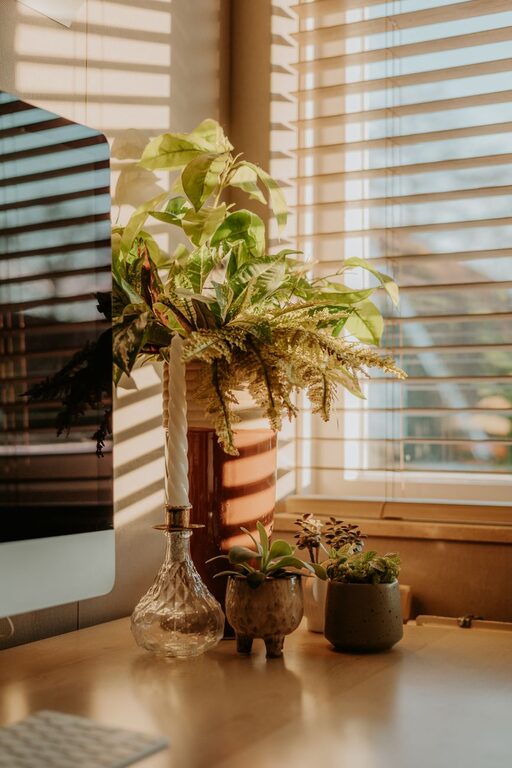
Add plants, artwork, or small decorations that inspire you. A pleasant environment can boost mood and creativity.
Staying Connected
Working from home can feel isolating. Schedule regular check-ins with colleagues or participate in virtual meetings to maintain social interaction.
Final Thoughts
Creating a productive home office environment takes planning and intentional choices. By focusing on comfort, organization, and minimizing distractions, you can develop a space that supports your work and well-being. Start small, and adjust your setup based on what works best for you. Remember, a productive workspace is one that feels both functional and inviting.