

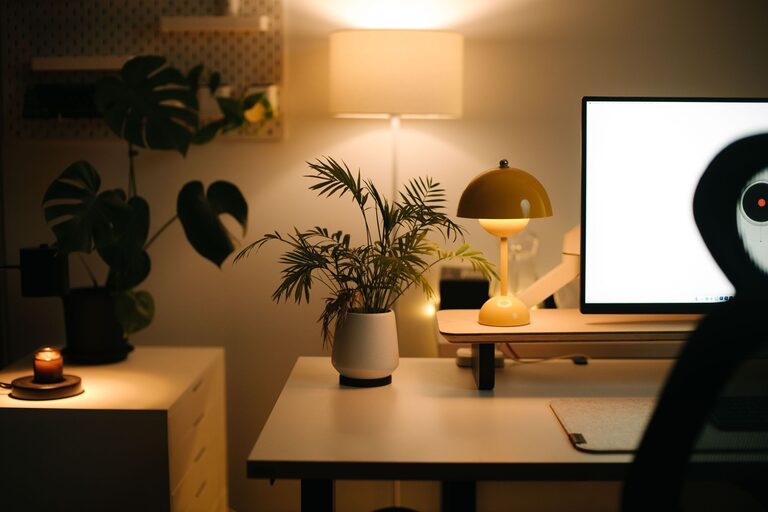

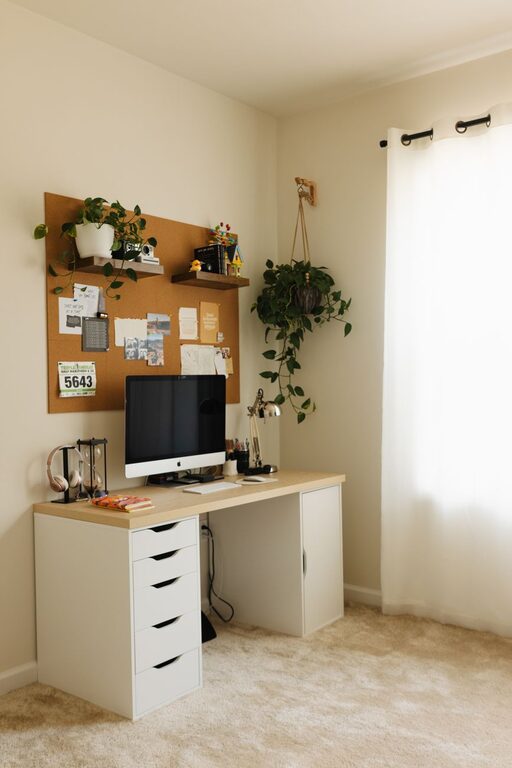
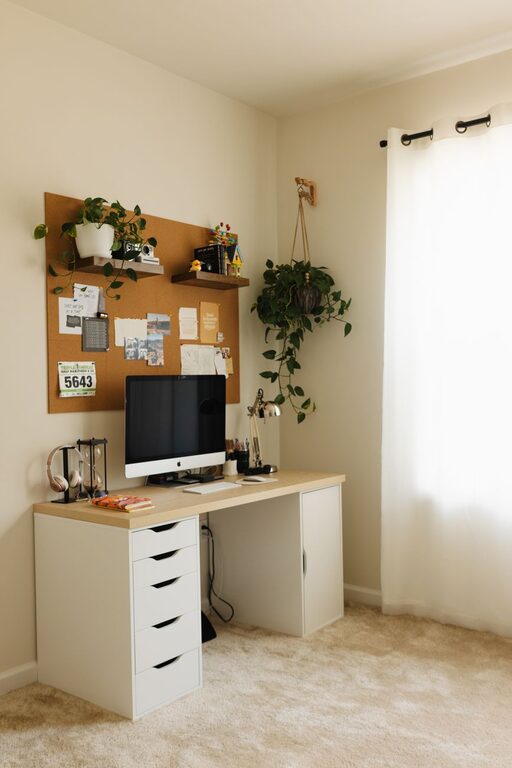
Creating a home office that feels cozy yet encourages productivity can make a significant difference in your workday. Whether you’re a remote worker, freelancer, or someone who occasionally works from home, setting up a dedicated space designed for focus and comfort helps you stay motivated and efficient. In this post, we’ll explore practical tips for designing a home office that strikes the perfect balance between cozy vibes and productive energy.
1. Choose the Right Location
Find a Quiet Spot
Selecting a quiet corner or room reduces distractions and helps you concentrate better. If possible, pick a space away from the busiest areas of your home.
Consider Natural Light
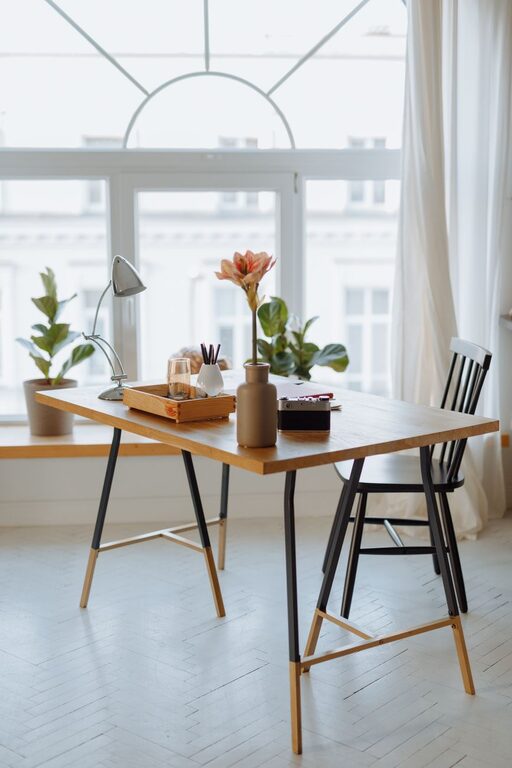
Position your desk near a window to enjoy natural light, which can boost your mood and reduce eye strain. If natural light is limited, invest in good quality lighting that mimics daylight.
Ensure Adequate Space
Make sure your chosen area has enough room for your desk, chair, and necessary equipment without feeling cramped.
2. Invest in Comfortable and Functional Furniture
Ergonomic Chair
A supportive chair that aligns with your posture is vital to avoid discomfort during long working hours. Look for adjustable chairs with lumbar support.
Spacious Desk
Choose a desk with enough surface area to hold your computer, notebooks, and other essentials, while keeping the layout clutter-free.
Consider Storage Solutions
Incorporate shelves, drawers, or filing cabinets to keep your workspace organized and tidy.
3. Create a Cozy Atmosphere
Use Soft Textiles
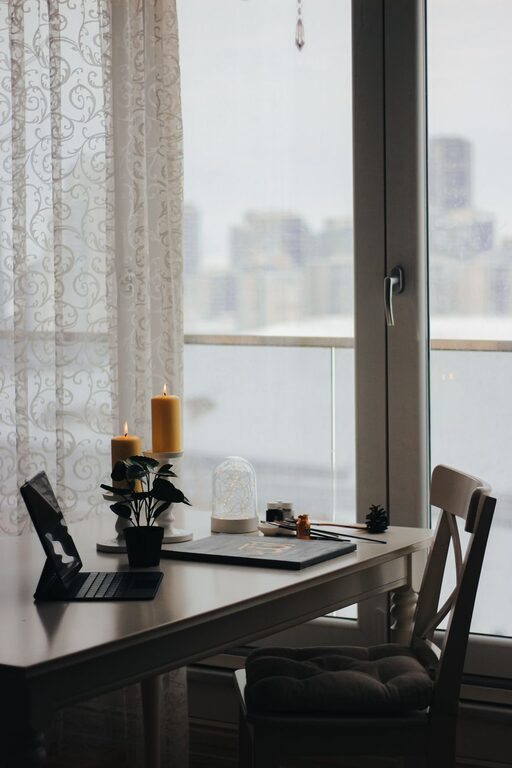
Add rugs, cushions, or a cozy throw blanket to soften the space. These items can make your office feel warm and inviting.
Choose Calming Colors
Colors like soft blues, greens, or neutrals create a relaxing environment that can help reduce stress and improve focus.
Personalize Your Space
Add personal touches such as photos, artwork, or plants to make your office feel unique and welcoming.
4. Organize for Efficiency
Declutter Regularly
Keep your workspace clear by regularly removing items you don’t use. A tidy space can improve clarity and reduce distractions.
Use Organizers
Desk organizers, drawer dividers, and cable management tools keep everything in its place and prevent mess.
Plan Your Layout
Arrange your computer, keyboard, planner, and other frequently used items within easy reach to streamline your workflow.
5. Optimize Lighting
Combine Ambient and Task Lighting
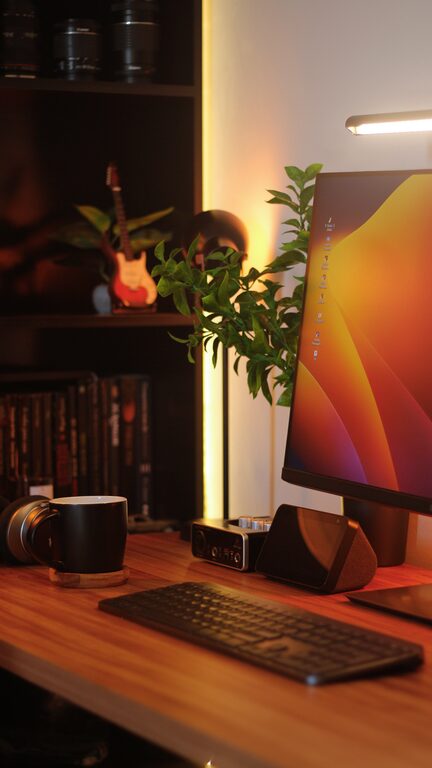
Balance overhead lighting with task lights like desk lamps to reduce eye strain and create a well-lit workspace.
Adjust Screen Brightness
Reduce glare by properly positioning your computer screen and adjusting its brightness settings.
6. Minimize Noise and Distractions
Soundproofing Options
Use rugs, curtains, or foam panels to absorb sound. White noise machines or calming music can also help mask background noise.
Set Boundaries
Communicate your work hours and space boundaries with family or roommates to reduce interruptions.
7. Incorporate Greenery
Add Plants
Plants improve air quality and add life to your office. Easy-care options like succulents or pothos are great choices.
Natural Elements
Incorporate natural wood or stone accents to create a calming, nature-inspired atmosphere.
8. Maintain Good Air Quality and Temperature
Ventilation
Keep your office well-ventilated by opening windows or using air purifiers.
Temperature Control
Ensure the room temperature is comfortable. Use fans or heaters as needed to maintain a pleasant working environment.
9. Set Up Technology Efficiently
Organize Cables
Use cable clips and sleeves to prevent tangles and keep the desk neat.
Use Reliable Equipment
Invest in a reliable computer, printer, and high-speed internet to reduce technical disruptions.
Back Up Your Work
Regularly save and back up files to avoid losing important documents.
10. Establish a Routine to Maximize Productivity
Start with a Morning Ritual
Begin your workday with a routine, such as making coffee or reviewing your to-do list, to mentally prepare for focus.
Take Breaks
Schedule short breaks to stretch, rest your eyes, and recharge your mind.
End Your Day Clearly
Organize your desk and plan for the next day, signaling the end of your work time and helping you switch off.
—
Designing a home office that feels both cozy and productive requires a bit of thought and planning, but the results are worth it. By choosing the right space, organizing smartly, and adding personal touches, you can create an environment where work flows comfortably and efficiently. Whether your workspace is big or small, these tips can help you enjoy your home office every day.